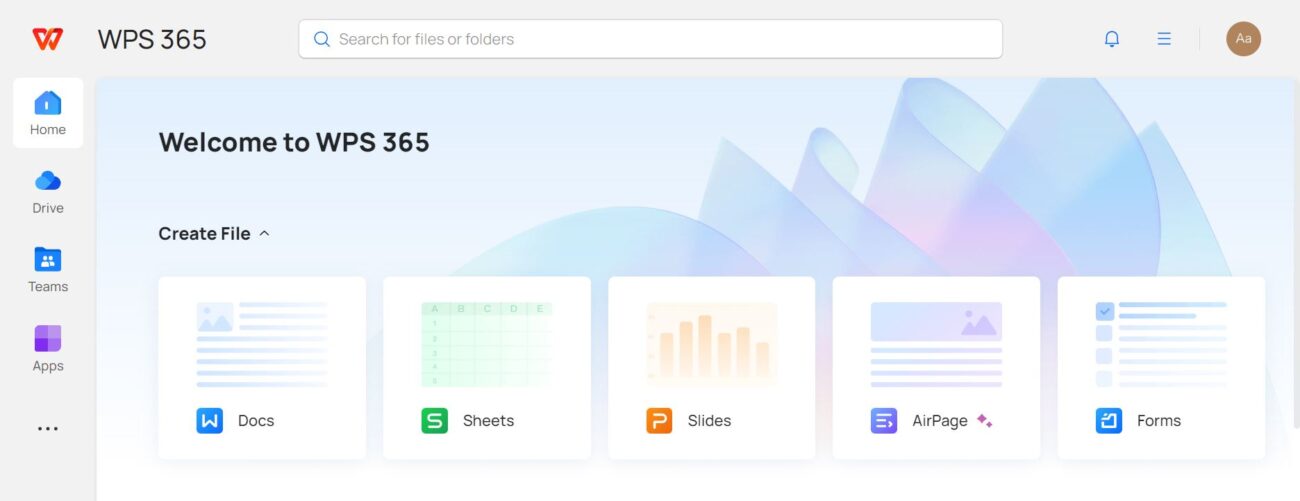
In today’s fast-paced digital world, multitasking has become a crucial skill. Professionals, students, and freelancers all need tools that help them manage multiple tasks efficiently without losing focus. WPS has emerged as a standout solution in this area, offering a suite of features designed to help users handle complex workflows, streamline processes, and boost productivity. With WPS, multitasking doesn’t have to be stressful; it can be seamless, intuitive, and even enjoyable.
Intuitive Interface for Seamless Navigation
One of the primary reasons WPS excels in multitasking is its clean and intuitive interface. Users can switch between different modules like Writer, Spreadsheets, and Presentation with minimal effort. The ribbon-style layout organizes tools logically, reducing the time spent searching for features. For professionals juggling multiple documents at once, this interface provides an organized workspace where everything is easily accessible.
In addition, WPS supports tabbed document management, similar to modern web browsers. This allows users to open multiple documents within a single window and switch between them instantly. The ability to work on several files without cluttering the desktop significantly enhances multitasking efficiency, particularly for tasks such as editing, reviewing, and comparing documents simultaneously.
Cloud Integration for Anywhere Access
Multitasking often involves coordinating work across devices and locations. WPS integrates seamlessly with cloud storage platforms, enabling users to access and edit documents on the go. Whether on a laptop, tablet, or smartphone, WPS ensures that your files are always synchronized and up-to-date.
This cloud capability also supports collaborative multitasking. Teams can work on a shared document in real-time, making edits, adding comments, and tracking changes without the need for lengthy email chains or file transfers. This feature is particularly valuable for remote teams or professionals who frequently work across different locations.
Smart Templates to Save Time
WPS offers a wide range of pre-designed templates that simplify the process of creating professional documents, spreadsheets, and presentations. These templates reduce the need for repetitive formatting and allow users to focus on content creation. For multitaskers, this means less time spent on setup and more time on critical tasks.
Templates in WPS cover various industries and purposes, from business reports and invoices to academic presentations and project trackers. By providing a ready-to-use framework, WPS ensures that multitasking professionals can start productive work immediately, reducing delays and improving overall efficiency.
Advanced Document Management Features
Managing multiple documents can be overwhelming without the right tools. WPS addresses this challenge with features like document merging, splitting, and batch processing. Users can combine multiple files into one cohesive document or break down large files into smaller, more manageable sections. Batch processing allows tasks such as converting file formats or applying watermarks to be completed across multiple documents at once, saving significant time and effort.
Additionally, WPS provides robust search and indexing capabilities. Users can quickly locate specific content within a document or across multiple files, making multitasking more streamlined. This feature is especially useful for research-intensive work, where information retrieval speed can significantly impact productivity.
PDF Tools for Streamlined Multitasking
PDF handling is a critical aspect of professional multitasking, and WPS excels in this area. Its PDF tools allow users to view, edit, annotate, and convert PDF files directly within the application. With WPS, there’s no need to switch between different software for document formats, which helps maintain focus and reduces context-switching delays.
The PDF annotation feature supports highlighting, commenting, and adding shapes, making it easier to review and collaborate on documents. Users can also merge multiple PDFs into a single file or split large PDFs into smaller sections, providing flexibility in managing complex projects efficiently.
Split-Screen Mode and Multi-Window Support
WPS enhances multitasking with split-screen mode and multi-window support. Users can view and work on two documents side by side or even open multiple windows of the same application for simultaneous tasks. This feature is invaluable for tasks like comparing reports, cross-referencing data, or drafting content while reviewing sources.
Multi-window support allows different types of tasks to be handled concurrently without constantly minimizing and maximizing windows. This smooth workflow minimizes distractions and increases productivity, especially for users who handle data analysis, content creation, and presentation preparation simultaneously.
AI-Powered Assistance
WPS incorporates AI-powered tools that assist users in multitasking by automating routine tasks. Features like Smart Spelling, Grammar Check, and Auto-Summarize reduce the time spent on editing and proofreading. AI-based formatting suggestions ensure that documents look professional without requiring manual adjustments.
For multitaskers, these AI tools act as a productivity booster, handling repetitive tasks while allowing users to focus on strategic or creative work. WPS also offers AI-driven templates and content suggestions that speed up report writing, data visualization, and presentation creation.
Integration with Other Productivity Tools
To truly multitask like a pro, compatibility with other software is essential. WPS supports integration with popular productivity tools, including Microsoft Office formats, Google Drive, and Dropbox. This cross-platform compatibility ensures that users can collaborate seamlessly with colleagues who may use different applications.
Moreover, WPS supports importing and exporting various file types without losing formatting. This flexibility allows users to maintain consistent workflows across different tools, eliminating the need for tedious file conversions or reformatting.
Customizable Shortcuts and Hotkeys
Efficiency in multitasking is often about minimizing repetitive actions, and WPS addresses this with customizable shortcuts and hotkeys. Users can assign specific commands to keyboard shortcuts, enabling them to execute actions like switching tabs, saving files, or applying formatting instantly.
By reducing the need for mouse navigation, these shortcuts allow professionals to complete tasks faster and maintain a smooth workflow. For power users who handle multiple projects daily, this feature is a significant productivity enhancer.
Task Automation and Macros
WPS also offers macro functionality to automate repetitive tasks. Macros allow users to record a sequence of actions and execute them with a single command. This is particularly useful for data entry, report formatting, and document standardization.
Task automation reduces manual effort and minimizes errors, allowing multitaskers to focus on higher-priority tasks. By combining macros with templates and AI tools, WPS creates a workflow that is both efficient and scalable.
Enhanced Collaboration Features
Multitasking often involves working with teams, and WPS provides robust collaboration features to support this. Real-time editing, commenting, and version control ensure that team members can contribute effectively without confusion. Notifications keep everyone updated on changes, preventing duplication of effort and ensuring smooth project progress.
Collaboration is further enhanced by WPS’s ability to share documents through cloud links, eliminating the need for large email attachments. This simplifies multitasking for teams, enabling faster decision-making and reducing project turnaround times.
Conclusion
WPS is more than just an office suite; it is a comprehensive productivity platform designed for multitasking like a pro. Its intuitive interface, cloud integration, smart templates, advanced document management, PDF tools, split-screen support, AI assistance, and task automation features create an ecosystem where multitasking is effortless and efficient.
By incorporating WPS into daily workflows, professionals, students, and teams can manage multiple tasks simultaneously, collaborate seamlessly, and maintain high productivity levels. Whether it’s handling documents, spreadsheets, presentations, or PDFs, WPS provides the tools necessary to stay organized and efficient. In a world where multitasking is no longer optional, WPS ensures that users can handle complex workloads with confidence and ease, transforming the way we work in the digital age.
